


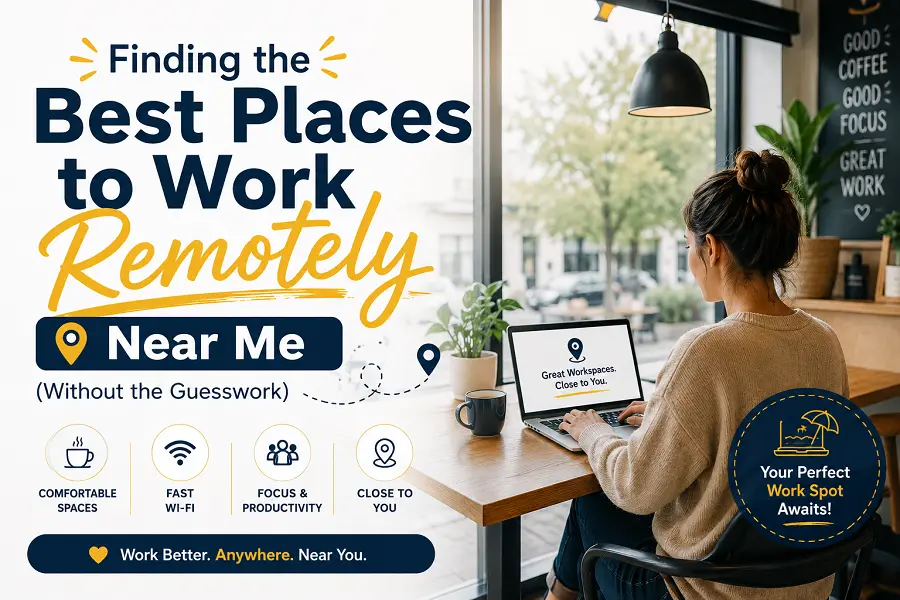
Quick heads-up before we start: this article can’t hand you a list of actual addresses, because “near me” means something different for everyone reading this — and honestly, any article claiming to know the best café in your specific neighborhood without asking where you live is guessing. What I can give you is the exact framework I use to find one myself, wherever I happen to be working from that month.
The Short Answer First
What is the best place to work remotely near me? It’s not a single type of location — it’s whichever spot matches three things: your task for the day, your noise tolerance, and how long you plan to stay. A quiet library is great for deep work but terrible if you’re on back-to-back calls. A co-working space solves the calls problem but costs money. There’s no universal “best.” There’s only “best for what you’re doing today.”
Step 1: Figure Out What Kind of Work Day You’re Having
I learned this the hard way after showing up to a busy café with a client call scheduled in 20 minutes, only to realize the espresso machine sounded like a jet engine every time someone ordered a latte. Rookie mistake. Now I sort my day into three buckets before I even leave the house:
- Deep focus work — writing, coding, spreadsheets. Needs quiet and minimal interruptions.
- Calls and meetings — needs a private-ish space and decent Wi-Fi, not necessarily silence.
- Light admin work — emails, scheduling. Can happen almost anywhere, including a noisy café.
Once you know which bucket your day falls into, the “best” location basically picks itself.
Step 2: The Actual Places Worth Checking (And Their Trade-offs)
Public Libraries
Still one of the most underrated options. Free, quiet, reliable Wi-Fi in most branches, and nobody’s going to give you the side-eye for staying four hours without buying anything. The catch? Some branches restrict laptop use during peak hours, and calls are basically banned. Check your local branch’s Wi-Fi speed policy — some throttle it after a certain time.
Co-working Spaces
This is where I’ve had the best experience for actual productivity, but it’s also the most expensive option by far. Day passes usually run somewhere between $20-40 depending on the city, and monthly memberships can climb well past $200. Worth it if you need calls, meeting rooms, and separation from home distractions on a regular basis. Not worth it if you’re only doing this once or twice a month.
Cafés
The classic choice, and for good reason — coffee, snacks, decent people-watching. But here’s the honest trade-off nobody mentions enough: most cafés aren’t designed for someone camping out for six hours on one $4 coffee. Some have started enforcing time limits or laptop bans during lunch rush. Always check if a place has a “no laptop” policy posted somewhere — I’ve been turned away twice.
Hotel Lobbies
An underused option if you’re traveling. Many hotel lobbies have decent Wi-Fi and comfortable seating, and nobody checks if you’re a guest. It’s a bit of a gray area ethically, so I’d only do this for short stretches, not a full workday.
Your Own Building’s Shared Spaces
If you live in an apartment complex or condo with a shared lounge or rooftop space, that’s genuinely one of the most overlooked “near me” options. Zero commute, usually free, and you can leave your stuff for a bathroom break without hauling your entire bag along.
Step 3: Actually Checking Before You Go
A few things that take two minutes and save you a wasted trip:
- Check Wi-Fi speed reviews, not just “has Wi-Fi.” Google reviews or apps like Workfrom often mention actual speed complaints.
- Call ahead if it’s a small café. Ask directly: “Is it okay to work here for a few hours?” Most owners will just tell you straight.
- Check outlet availability. This sounds minor until your laptop dies at 40% with three hours of work left.
Where This Connects to Bigger Career Decisions
If you’re regularly hunting for the best places to work remotely near you, it might be worth stepping back and asking a bigger question: does your current job even support this lifestyle well? Some fully remote companies build their culture around async work and don’t care where or when you log in, as long as deadlines are met. Others technically allow remote work but expect you glued to Slack from 9 to 5, which defeats half the point of working outside your house in the first place.
If you’re job hunting and this flexibility matters to you, it’s worth researching the best companies to work for remote before accepting an offer — not just the salary, but how the company actually handles async communication, time zones, and whether “remote” quietly means “always available.”
A Caveat Worth Mentioning
None of this replaces a proper home office setup if your job allows for one. Working remotely from public spaces is great for variety and getting out of the house, but it comes with real costs — money spent on food and drinks just to justify sitting there, unreliable Wi-Fi some days, and the occasional awkward “are you going to order something else?” moment. If your main goal is saving money while working remotely, your own space (or a library) will usually win over cafés and co-working spots long-term.
FAQs
1. What is the best place to work remotely near me?
It depends on your task for the day — libraries and co-working spaces suit deep focus and calls, while cafés work better for lighter admin tasks.
2. Are libraries good for remote work?
Yes, generally — they’re quiet and free, though some branches restrict laptop use during peak hours or don’t allow calls at all.
3. How much do co-working spaces typically cost?
Day passes usually range from $20-40, with monthly memberships often exceeding $200, depending on the city and amenities.
4. Can I work remotely from a hotel lobby if I’m not a guest?
Many people do for short periods, but it’s a gray area — best treated as a short-term option rather than a full workday.
5. What should I check before choosing a café to work from?
Wi-Fi speed, outlet availability, and whether the café has a time limit or laptop policy during busy hours.
6. What’s the difference between remote-only companies and companies that just allow remote work?
Remote-only companies build their entire culture and processes around distributed teams, while others may allow remote work but still expect traditional in-office-style availability.
7. Are fully remote companies better for finding local work-from spots flexibility?
Often yes, since fully remote companies tend to rely more on async communication, giving employees more freedom in choosing when and where they work.
8. Is it rude to sit in a café for hours without buying much?
It depends on the café’s policy and how busy it is — calling ahead or checking posted rules avoids any awkwardness.
9. What’s the best remote job for someone who wants total location flexibility?
Roles built around async communication and output-based work (like writing, development, or design) tend to offer the most freedom in choosing where you work.
10. Do public libraries allow phone or video calls?
Most don’t, or restrict them to designated areas — always check the specific branch’s policy first.
11. How do I find the best work from home companies to apply to?
Look beyond job boards — check employee reviews specifically mentioning remote culture, communication style, and time zone flexibility.
12. Is a co-working space worth it for occasional use?
Probably not — the cost per visit is high unless you’re using it regularly enough to justify a membership.
13. What’s a good backup plan if my usual work spot is too crowded?
Having two or three go-to locations sorted by noise level (quiet, moderate, café-loud) saves scrambling last minute.
14. Does working remotely near me always mean cheaper than an office job?
Not necessarily — food, drinks, and co-working costs can add up if you’re not working from home most days.
15. How can I tell if a company is genuinely remote-friendly before accepting a job offer?
Ask directly about their meeting culture, expected online hours, and whether performance is measured by output or by hours logged online.











Leave a Reply