


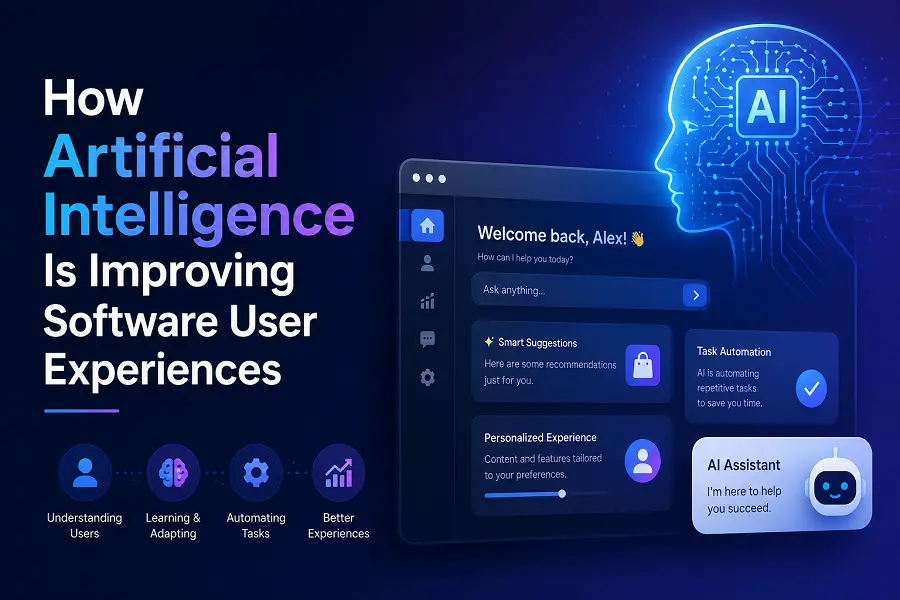
Software interfaces are undergoing a massive shift. For decades, users had to learn the rigid language of computers to get things done. Today, artificial intelligence flips that dynamic, forcing software to adapt to human behavior instead.
By analyzing user interactions in real time, modern applications now anticipate needs, simplify complex workflows, and eliminate friction. The result is a highly intuitive digital ecosystem where software feels less like a tool and more like an adaptive assistant.
Dynamic Personalization and Tailored Interfaces
Traditional software relies on a static layout. Every user sees the exact same dashboard, regardless of their skill level or daily habits. Artificial intelligence changes this by introducing dynamic personalization, where the interface molds itself to individual behaviors.
When an application tracks which features a professional utilizes most frequently, it can surface those specific tools while hiding irrelevant menus. This reduces cognitive overload and speeds up daily workflows.
-
Behavioral Adaptability: Interfaces reorganize navigation menus based on individual usage frequency.
-
Contextual Dashboards: Dashboards highlight critical metrics relevant only to the user’s current project stage.
-
Content Curation: Search functionalities prioritize results based on past selections and intent.
-
Localized Experiences: Software automatically adjusts formatting, language nuances, and regional preferences without manual configuration.
Predictive Analytics and Friction Reduction
The ultimate user experience is one where the user rarely has to think about the next step. Predictive AI analyzes historical data patterns to forecast what an operator intends to do, effectively eliminating steps in a process before friction can occur.
This proactive approach moves software from a reactive state to an anticipatory one. Instead of waiting for a command, the system prepares resources, suggests actions, or automates repetitive tasks ahead of time.
-
Smart Auto-Completion: Form fields and search bars predict entire sentences or data strings, reducing typing effort.
-
Pre-emptive Error Correction: System algorithms detect formatting mistakes or illogical inputs before the user hits submit.
-
Resource Preloading: Desktop and mobile applications load frequently used assets in the background based on predicted launch times.
-
Automated Macro Suggestions: Software identifies repetitive clicks and offers to create a one-click automation shortcut for the user.
Proactive Accessibility and Natural Interaction
AI significantly lowers the barrier to entry for software utilization by introducing multimodal interaction. Users are no longer confined to clicking precise pixels or memorizing keyboard shortcuts. Natural language processing allows individuals to converse with software just as they would with a colleague.
Furthermore, intelligent systems drastically improve accessibility for users with diverse needs. Real-time adaptations ensure that software remains usable under various physical or environmental conditions.
Computer vision models instantly generate descriptive alt-text for complex imagery, helping visually impaired professionals navigate visual platforms. Voice-to-text systems map spoken commands to precise software actions, bypassing traditional navigation entirely. Meanwhile, contrast and text sizes adjust automatically based on ambient lighting data and eye-strain detection.
The Shift Toward Frictionless Software
The integration of artificial intelligence into user experience design marks the end of confusing, rigid software menus. By focusing on personalization, predictive automation, and universal accessibility, modern applications prioritize the human element. As these systems continue to evolve, the line between intent and execution will blur, creating digital experiences that are fundamentally invisible, highly efficient, and deeply satisfying.
Frequently Asked Questions
How does AI improve software navigation for beginners?
AI simplifies navigation by analyzing a beginner’s initial struggles. It dynamically highlights tutorials, simplifies overwhelming menus, and surfaces contextual tips to guide the user through complex workflows without requiring formal training.
Will AI personalization compromise user data privacy?
Modern UX design focuses on on-device processing and anonymized data patterns. Software analyzes behavior locally to tailor the interface, ensuring the user experience improves without exposing sensitive personal information to external servers.
What is the difference between responsive design and adaptive AI design?
Responsive design adjusts the layout based on screen size or device type. Adaptive AI design alters the actual functionality, content, and feature placement based on the specific behavior, preferences, and goals of the individual user.
Can AI predict software errors before they happen?
Yes. By tracking normal operational patterns, AI detects anomalous user behavior or input errors that typically lead to system crashes or failed actions, prompting the user to correct course before the error occurs.
How does natural language processing change software interfaces?
Natural language processing allows users to type or speak commands in plain English instead of searching through layers of settings. The software interprets the intent and executes the task directly, saving time and reducing frustration.





Leave a Reply