


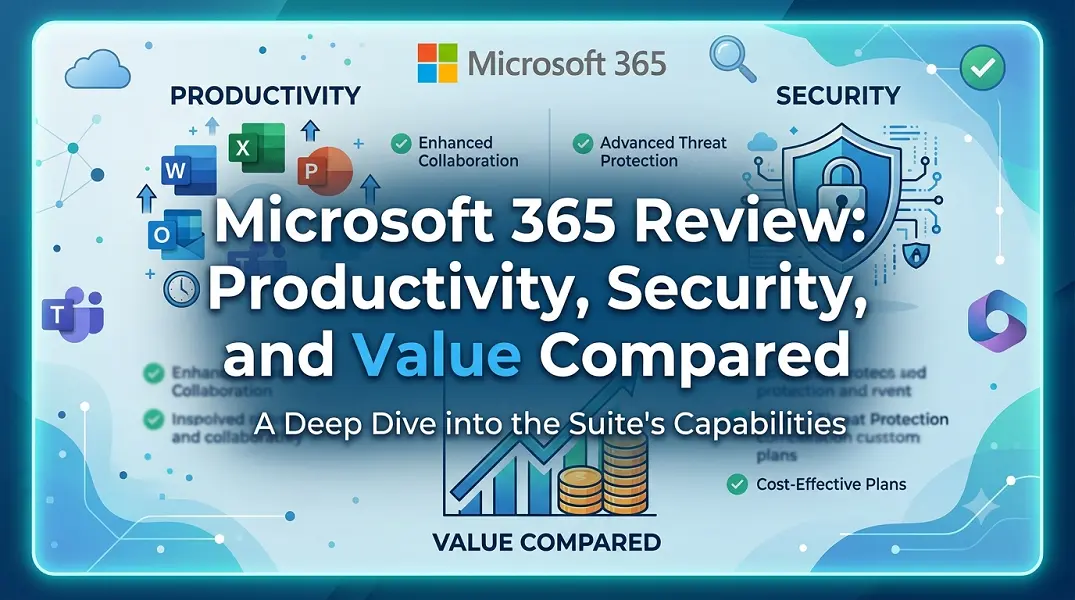
Choosing the right office suite shapes how modern teams collaborate and protect their data. Microsoft 365 remains a dominant force in corporate and personal workflows, but its evolution from a simple software bundle into a cloud-heavy ecosystem warrants a closer look. This review evaluates whether the platform delivers enough modern utility to justify its subscription model.
Core Productivity: Beyond Standard Word Processing
The modern workspace requires tools that sync across different devices without friction. Microsoft 365 addresses this by anchoring its traditional desktop applications into a unified cloud environment. The platform shifts the focus from standalone content creation to real-time, synchronous collaboration.
Teams no longer need to manage multiple file versions. The integration of cloud storage allows simultaneous editing, automated version tracking, and instant communication within the workspace.
-
Cloud-First Co-authoring: Multiple users can edit documents in Word, Excel, or PowerPoint simultaneously with zero latency.
-
Centralized Communication: Microsoft Teams bridges the gap between text chat, video conferencing, and file sharing inside a single interface.
-
Intelligent Automation: Built-in features suggest design layouts, formula fixes, and data visualizations based on user behavior.
-
Cross-Platform Continuity: Workflows transition smoothly between Windows, macOS, iOS, and Android applications without losing formatting.
Enterprise-Grade Security: Safeguarding Digital Assets
Data protection is no longer optional for small businesses or large enterprises. Microsoft 365 addresses these liabilities through a layered security infrastructure designed to mitigate both external threats and internal leaks.
The security architecture operates silently in the background, minimizing friction for the end user while maintaining compliance standards.
-
Identity and Access Management: Multifactor authentication (MFA) and conditional access policies ensure that only verified users on compliant devices gain entry.
-
Threat Protection: Automated scanning filters malicious email attachments, phishing links, and zero-day exploits before they reach the inbox.
-
Data Loss Prevention (DLP): Built-in protocols prevent employees from accidentally sharing sensitive information, like credit card or social security numbers, outside the organization.
-
Endpoint Management: Administrators can remotely wipe corporate data from lost or stolen mobile devices without interfering with personal files.
Value Assessment: Subscription Cost vs. Total ROI
Evaluating Microsoft 365 requires looking past the monthly recurring fee to analyze the total cost of ownership. For many organizations, the subscription replaces several disjointed third-party tools, including separate video conferencing software, cloud storage providers, and security utilities.
While the upfront commitment might seem higher than free alternatives, the consolidation of licensing, training, and IT management creates long-term financial efficiency. The platform scales dynamically, allowing businesses to adjust seat counts and licensing tiers as their headcount fluctuates.
Conclusion
Microsoft 365 justifies its position as a market leader by offering more than just a collection of apps. It provides a secure, cohesive digital infrastructure that enhances operational efficiency. For users who require robust security, deep data analysis capabilities, and reliable cloud collaboration, the platform delivers distinct financial and functional value.
Frequently Asked Questions
Can I use Microsoft 365 applications when I am offline?
Yes. The desktop versions of apps like Word, Excel, and PowerPoint function entirely offline. Your changes save locally and sync automatically to the cloud once an internet connection is re-established.
How does Microsoft 365 differ from the traditional Office home purchase?
The traditional purchase is a one-time payment for a single computer without future feature upgrades. Microsoft 365 is a subscription that offers ongoing feature updates, cloud storage, and installation on multiple devices.
What happens to my data if I cancel my subscription?
If you cancel, your data remains accessible in a read-only format for a grace period, typically 30 to 90 days. This window allows administrators to export all corporate files and emails before permanent deletion.
Is the data stored in OneDrive secure from ransomware?
Yes. OneDrive includes built-in ransomware detection that alerts you to mass file modifications. It allows you to restore your entire storage state back to a specific point in time within the last 30 days.
Can external vendors collaborate on my shared files?
Yes. Administrators can configure sharing settings to allow external guests to view, comment, or edit specific files and folders without requiring a paid license.





Leave a Reply