


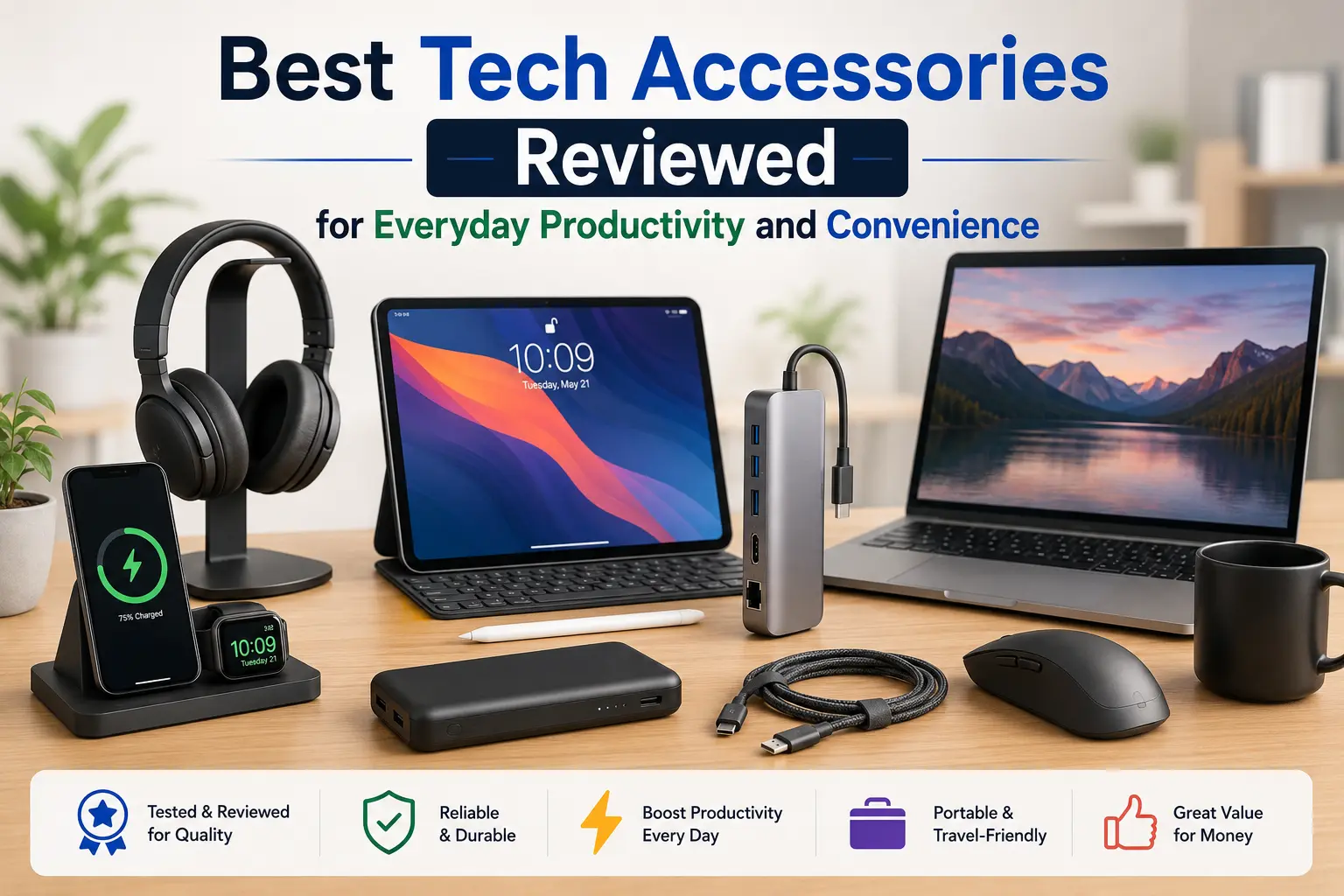
Managing a modern workflow requires more than just a fast computer or a smartphone. The right ecosystem of supporting hardware simplifies tasks, reduces physical strain, and eliminates small daily friction points. Upgrading your workspace with targeted, high-utility tools can transform fragmented routines into a seamless, high-output experience.
Optimizing daily output relies heavily on intentional choices. The following curated selections focus on physical comfort, rapid data expansion, and smart power alternatives to ensure your workflow remains uninterrupted.
Ergonmics and Input Precision for Sustainable Output
Prolonged computing sessions often lead to physical fatigue and lower performance. Addressing how you interact with digital interfaces directly influences stamina and focus throughout the day. Investing in advanced input hardware prevents repetitive strain injuries while speeding up navigation.
-
Ergonomic Split Keyboards: Traditional flat layouts force wrists into unnatural positions. Split or angled wireless keyboards keep hands at a neutral angle, relieving muscle tension in the forearms and shoulders.
-
Precision Ergonomic Mice: Pointing devices with vertical contours or oversized thumb rests match the natural shape of a resting hand. High-resolution sensors and customizable side buttons allow quick transitions between applications without excessive arm movement.
-
Acoustic Isolation Earbuds: Managing external noise is vital for deep concentration. Advanced wireless earbuds feature intelligent active noise cancellation that isolates voices and ambient hums, providing a quiet space anywhere.
-
Desk Protection Surfaces: Large felt or textured synthetic mats give input devices a consistent glide surface. These boundaries protect wooden desk surfaces and clearly define the physical work zone.
Centralized Connectivity to Streamline Hardware Integration
Modern laptops prioritize thin designs, which drastically reduces the variety of available ports. This limitation becomes an obstacle when connecting external storage, additional displays, or wired networks. Centralizing connections into a single point of entry minimizes desk clutter and saves valuable time during setup.
-
Multi-Port USB-C Hubs: A compact hub converts a single laptop port into multiple connections, including legacy USB-A ports, secure SD card readers, and reliable gigabit Ethernet slots.
-
Dual-Screen Layout Display Adapters: Adding a secondary screen increases visible workspace, letting you view reference data side by side with active projects. High-bandwidth hardware links guarantee smooth video transitions without display stuttering.
-
Magnetic Cord Alignment Anchors: Cables frequently slide off desks when uncoupled from devices. Weighted magnetic blocks hold individual lines firmly in place, keeping power cords organized and easily reachable.
-
Under-Desk Cable Storage Channels: Tucking power strips and heavy adapter bricks into steel trays mounted under the desktop hides tangled wires from view and keeps workspaces clean.
Multi-Device Charging Solutions for On-the-Go Reliability
A mobile workflow is only as reliable as its remaining battery power. Relying on individual wall adapters for every phone, tablet, and accessory causes unnecessary delays and creates cluttered bags. Switching to shared charging architectures ensures your gear stays powered without packing extra weight.
High-capacity wireless power banks equipped with magnetic alignments attach directly to the back of modern mobile devices. This design delivers stable power on the move without messy cables dangling from pockets or bags. For stationary setups, multi-port gallium nitride chargers distribute power safely to a laptop, phone, and headphones all at the same time. These compact blocks generate less heat than standard silicon alternatives while cutting down charging times significantly.
Conclusion
Maximizing everyday productivity is not about accumulating minor novelties. True workspace efficiency comes from choosing practical, dependable accessories that solve specific bottlenecks. Selecting ergonomic tools, expanding connectivity ports, and consolidating charging systems creates an organized environment built for high performance and daily comfort.
Frequently Asked Questions
How do ergonomic mice improve typing speed and workflow?
Ergonomic mice do not change typing speeds directly, but they reduce forearm strain and hand fatigue. By positioning your wrist naturally, they prevent cramping, allowing you to work longer and transition quickly between typing and navigation.
Why are gallium nitride chargers better than traditional power adapters?
Gallium nitride power bricks use advanced internal components that conduct electricity more efficiently than standard silicon. This lets them supply higher wattages to multiple devices simultaneously from a much smaller, cooler chassis.
What is the most reliable way to manage messy desk cables?
The most reliable method combines an under-desk cable tray to hold large power strips with magnetic clips on top of the desk. This keeps power blocks hidden while holding charging ends right where you need them.
Do active noise-canceling earbuds actually improve work concentration?
Yes. Active noise cancellation neutralizes distracting low-frequency background sounds, like air conditioners or distant traffic. This silence helps your brain enter a deep focus state faster and reduces mental fatigue in busy environments.
Can a multi-port USB-C hub reduce laptop battery life?
A hub uses a tiny amount of energy to power its internal ports and connected drives. To prevent laptop battery drain, choose a hub that supports pass-through power delivery, allowing your wall charger to power both the hub and the laptop simultaneously.








Leave a Reply