

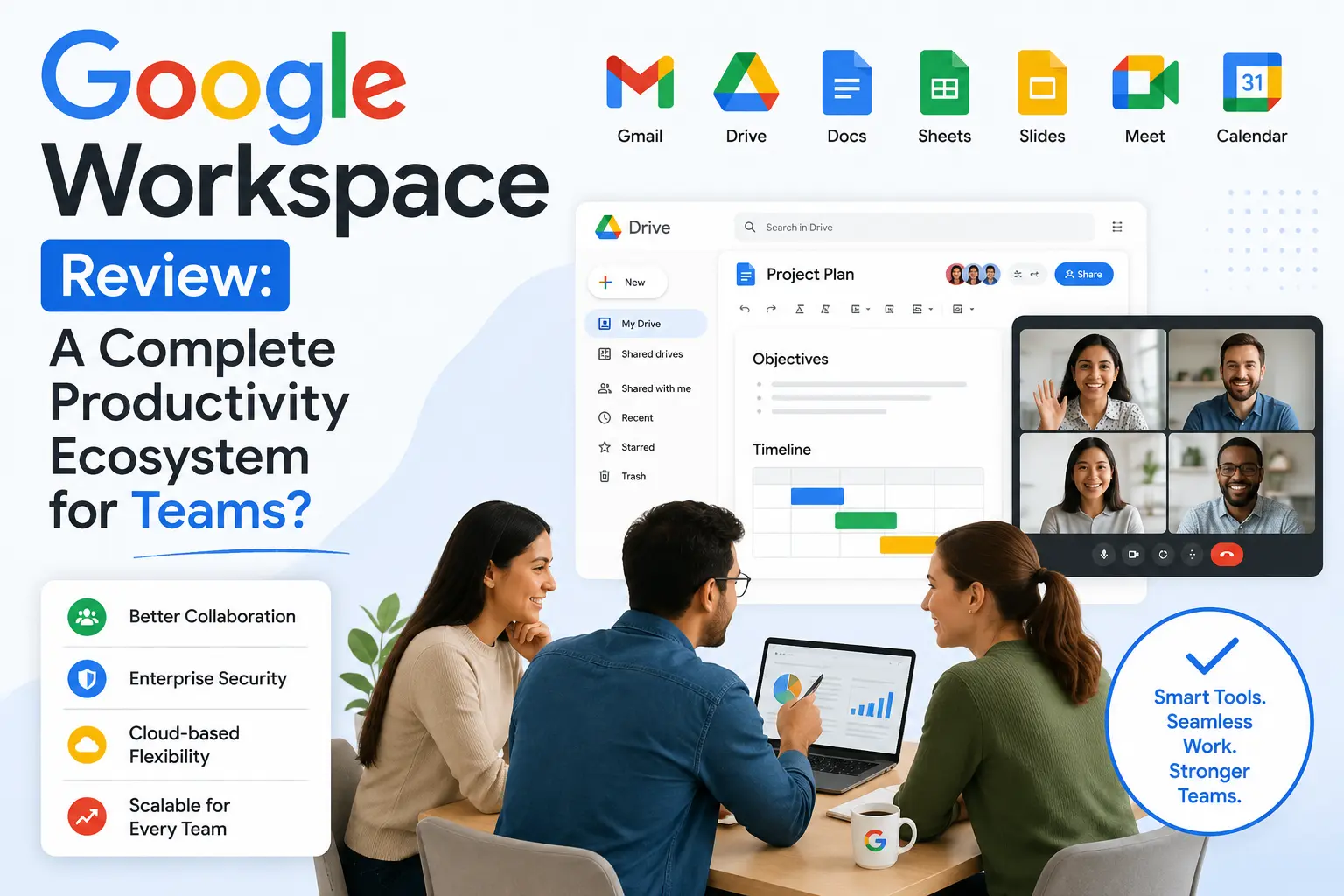
Choosing the right productivity suite determines how efficiently your business operates. Teams require tools that eliminate communication silos, secure sensitive data, and sync projects instantly. Google Workspace positions itself as the ultimate cloud-based answer to these demands.
This review analyzes whether Google’s integrated environment truly satisfies the operational workflows of modern teams or if it falls short under intense business requirements.
Core Collaborative Architecture: Beyond Individual Apps
The true strength of this ecosystem lies in its fluid integration. Instead of functioning as isolated software programs, the applications operate as an interconnected web. A user can launch a video meeting directly from a document interface or update an internal calendar while reviewing an email thread. This structural layout saves time by preventing constant tab-switching.
The live concurrent editing feature remains an industry benchmark. Multiple team members can manipulate data, draft copy, or design presentations simultaneously without version control conflicts.
-
Unified Drive Storage: Centralized cloud storage ensures every department accesses the most recent asset versions.
-
Smart Canvas Innovations: Smart chips allow users to tag colleagues, link external files, and embed calendar events directly into documents using the “@” symbol.
-
Integrated Communication Channels: Chat rooms and video spaces exist within working windows to keep contextual conversations alongside active projects.
-
Granular Permission Controls: Administrators can restrict file viewing, editing, or printing privileges at the organizational, departmental, or individual level.
Pricing Structure and Scalability Matrix
Google structures its plans to accommodate businesses ranging from solo entrepreneurs to global organizations. Upgrading tiers unlocks advanced data handling capabilities and deeper administrative control rather than just adding cosmetic features.
-
Business Starter: Provides custom business email addresses and fundamental security features alongside basic cloud storage per user.
-
Business Standard: Expands storage capacities significantly and introduces enhanced video conferencing elements like recording options and audience polling.
-
Business Plus: Maximizes individual user storage allotments and introduces sophisticated eDiscovery data tracking alongside advanced mobile device management.
-
Enterprise Solutions: Offers unlimited storage potential, advanced data loss prevention protocols, and integration options for external security keys.
Enterprise-Grade Security and Administrative Control
Data privacy dictates platform adoption for modern enterprises. The centralized admin console provides a single dashboard to monitor device endpoints, audit file sharing patterns, and enforce two-factor authentication.
The inclusion of automated Data Loss Prevention (DLP) rules prevents employees from accidentally sharing sensitive information, such as credit card numbers or internal code, outside the corporate domain. Furthermore, offline access configurations allow personnel to continue working safely during connectivity drops, syncing changes the moment the device reconnects.
Conclusion
Google Workspace delivers a cohesive environment that excels at real-time collaboration and cloud-native flexibility. It minimizes administrative friction and scales smoothly alongside growing organizations. For teams aiming to reduce local software dependencies and optimize digital workflows, it remains a premier operational ecosystem.
Frequently Asked Questions
Can teams migrate from legacy office suites without losing historical data?
Yes. Administrative tools allow organizations to migrate emails, calendar histories, contacts, and folder structures directly from older systems while maintaining file formatting and metadata accuracy.
How does the platform function when a user lacks internet connectivity?
Users can enable offline mode for specific files or entire folders. This allows viewing and editing capabilities through a web browser, and the system automatically merges updates once an internet connection stabilizes.
What is the difference between free consumer accounts and business tiers?
Business accounts provide custom domain emails, expanded cloud storage pools, advanced administrative security panels, uptime guarantees, and ad-free interfaces.
Does the system support integration with third-party business software?
The ecosystem includes a marketplace containing thousands of verified add-ons. Teams can link their workspaces directly with project management software, customer relationship management (CRM) tools, and accounting programs.
How does the platform protect against phishing and malicious software?
Built-in artificial intelligence screening blocks over 99.9% of spam, phishing attempts, and malware threats before they reach user inboxes, utilizing real-time threat intelligence updates.





Leave a Reply